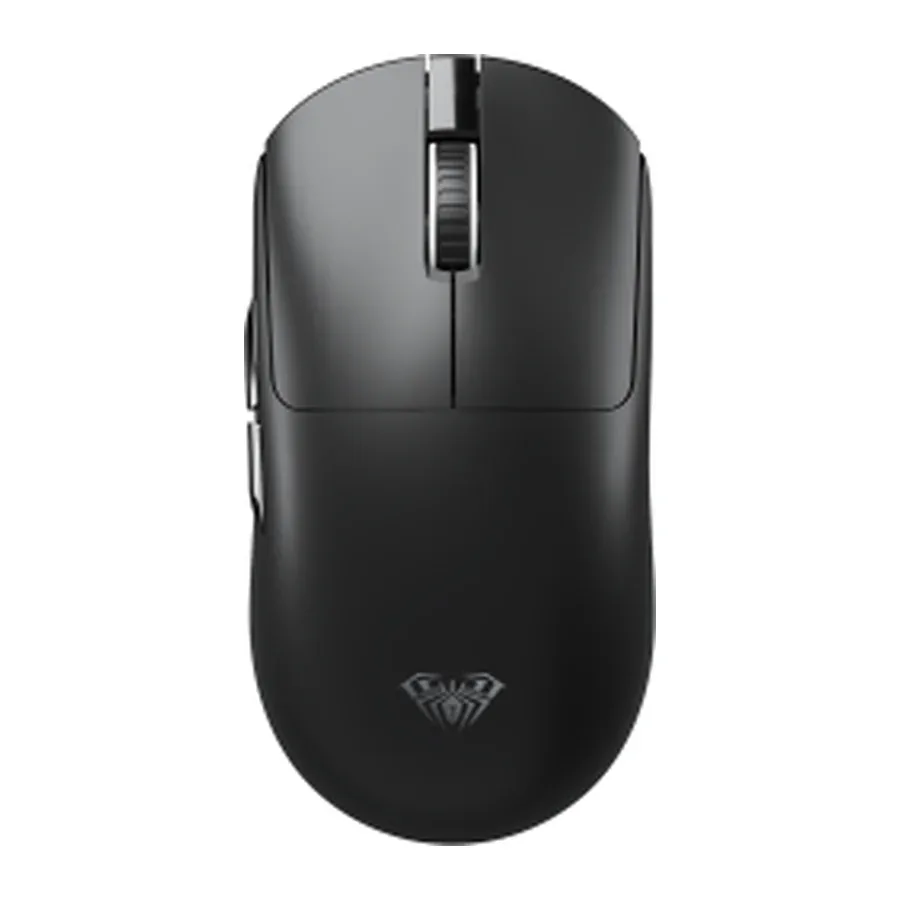
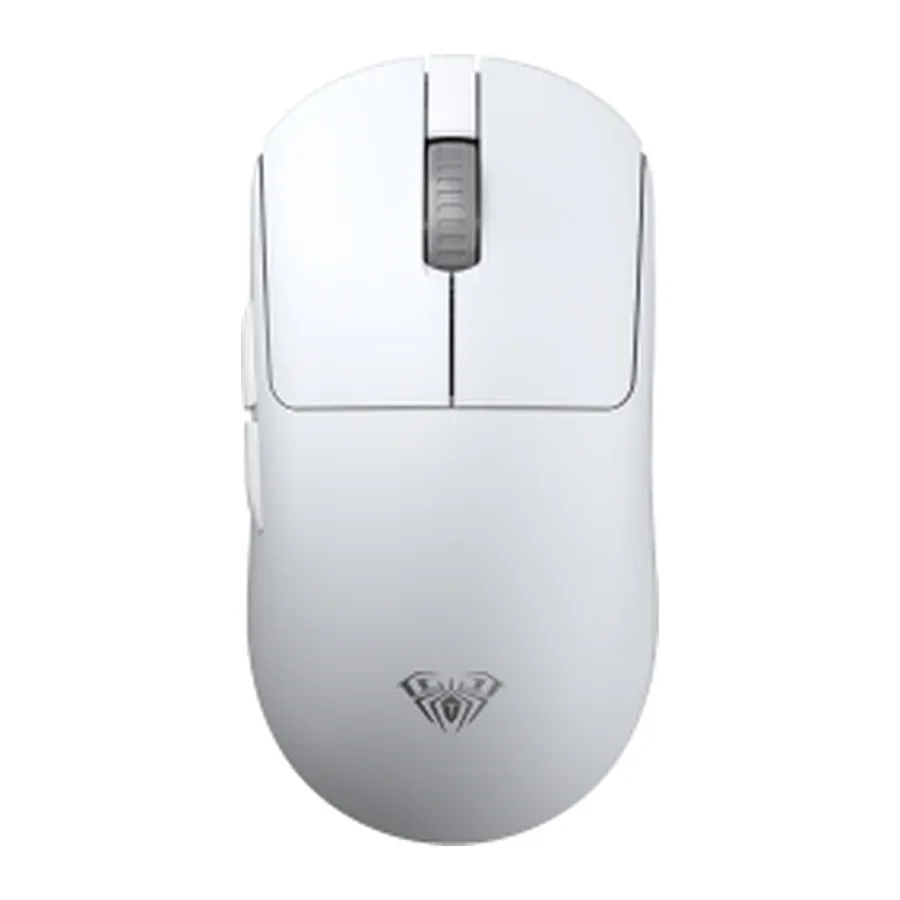
Receiver in the port and you are done
The AM206 uses its own 2.4 GHz radio link: a small USB receiver comes in the box and goes into any free port on the computer. There is no pairing and no setup — the mouse and the receiver are paired at the factory. This kind of connection does not depend on the Bluetooth version in your laptop and behaves the same on old and new machines.
Small and light
A 118 × 62 × 40 mm body weighing about 60.5 g with the receiver: the mouse slips into a backpack pocket next to the laptop and does not tire the hand over a long session. The low profile suits a claw grip, and the shell has neither protruding edges nor lighting to get in the way when you slide it into a tight pocket.
Three DPI steps for different jobs
AULA lists three sensitivity steps for the AM206: 1000, 1200 and 1600 DPI. The lowest helps you hit small interface buttons and work in spreadsheets, the middle one is the all-rounder for browsing and documents, and the highest suits a high-resolution monitor where the cursor has a long way to travel. The manufacturer does not say where the switch sits — the official photos show no separate DPI button on the top shell — so a GEEKSHOP manager will confirm that with the supplier.
Black or white
In AULA's price list the model comes in two colours, black and white. The white one goes with a light laptop and keyboard; the black one fits an ordinary desk and shows wear less. Specifications and price are identical for both — only the shell differs.
This product is ordered in. Delivery is expected on 18 November 2026. GEEKSHOP confirms stock, the final price and delivery. This information is not a public offer.
Model specifications: the official AULA site